


1. Check your booking
Keep your confirmation email and booking ID handy.
Check your venue, floor, package, date and reserved room time before sending invitations.
Birthday packages have a minimum of 10 paid guests, including the birthday child.
PARTY PLANNING
Your checklist, venue guides and a printable invitation, all in one place. Use the venue, date and room time in your booking confirmation when inviting your guests.
BEFORE THE BIG DAY
Keep your confirmation email and booking ID handy.
Check your venue, floor, package, date and reserved room time before sending invitations.
Birthday packages have a minimum of 10 paid guests, including the birthday child.
Bring your own food, drinks and birthday cake — KOKO does not provide catering.
Remember plates, cutlery, a cake knife, candles and party supplies. Ask the venue if you need a lighter.
Standing balloons, table decorations and birthday flags are welcome. Use Blu Tack or clear tape for wall decorations.
Leave confetti, glitter, party poppers, glue and double-sided tape at home. Decoration styling and setup are not included.
ON THE DAY
You may arrive up to 10 minutes before your booking.
Check in with the team using your booking ID.
Room access begins at the reserved time unless the venue has approved otherwise.
Your party room is reserved for 60 minutes. Confirm your room and play schedule with the team.
Game time starts at the first card tap and cannot be paused.
Pack up and leave the room on time for the next party.
If you need extra room time, request it in advance; availability and additional charges apply.
Need to change your booking? Email marketing@kokoamusement.com.au with your booking ID at least 24 hours before the event. Changes are subject to availability.
MEET AT THE RIGHT SPOT
614 George Street, Sydney. Match the room and time to your confirmation.
View the Town Hall guide →
Check directions and venue details before sharing them with your guests.
View the Hurstville guide →
Check your confirmed floor: Level 4 (Cinema Level) or Level 2 (Mini Bowling).
View the Hornsby guide →
SPREAD THE WORD
Tap the blank lines and type your details, then download a PDF to print or a PNG to share. Leave the fields empty to download a blank invitation.
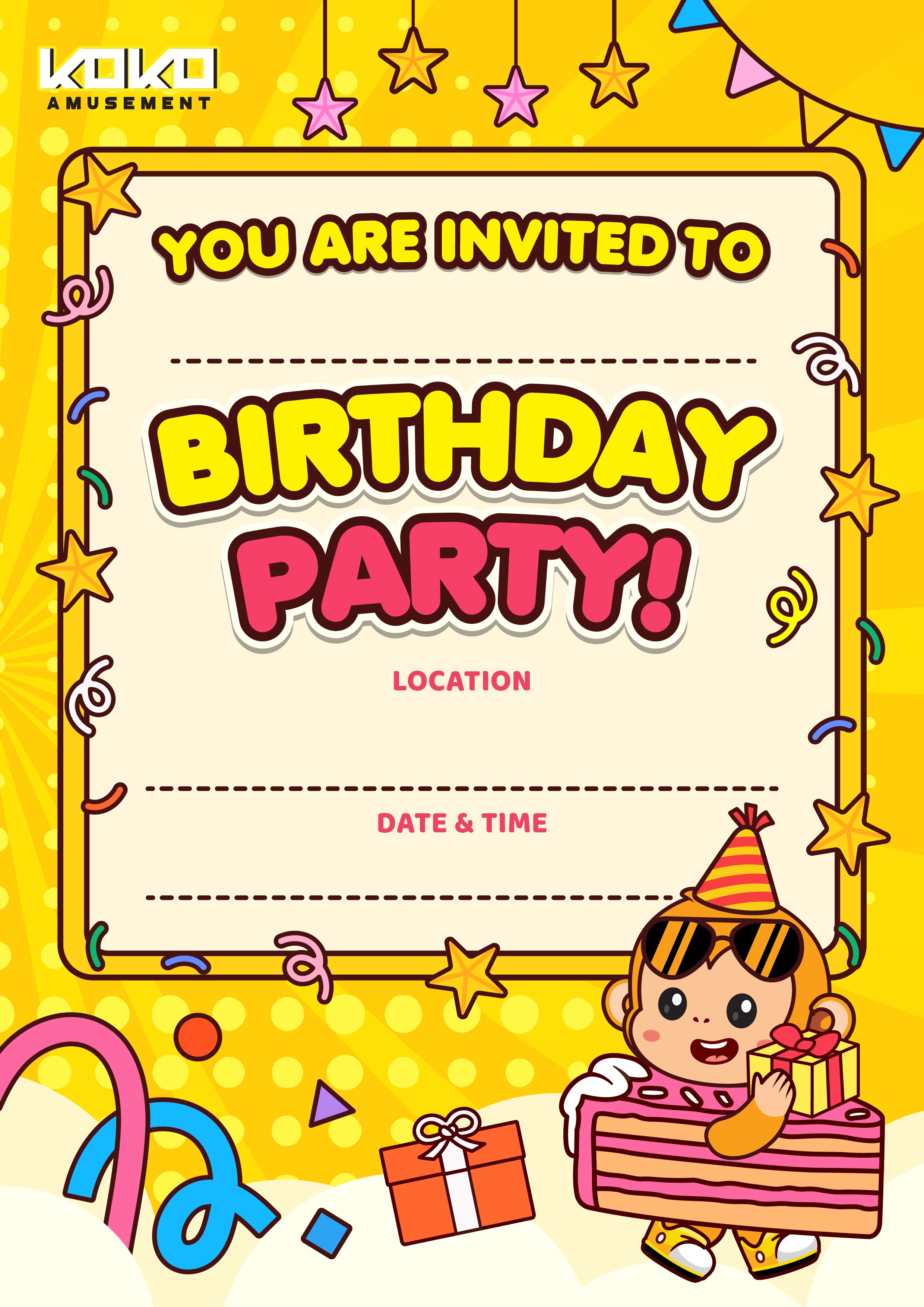
Use your confirmed booking details. This invitation does not confirm a booking. Your edits stay on this page and are cleared when it reloads.


